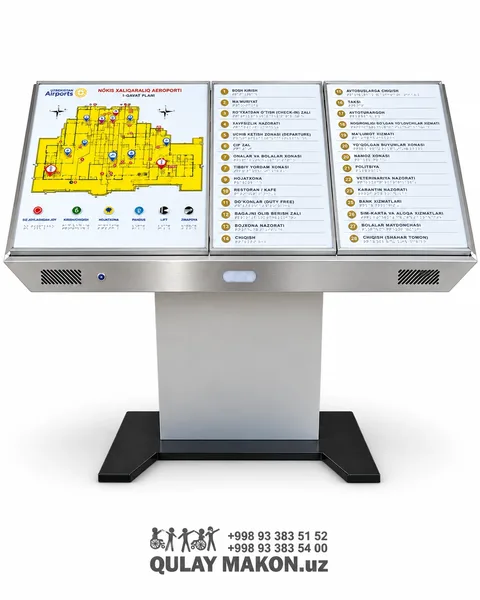
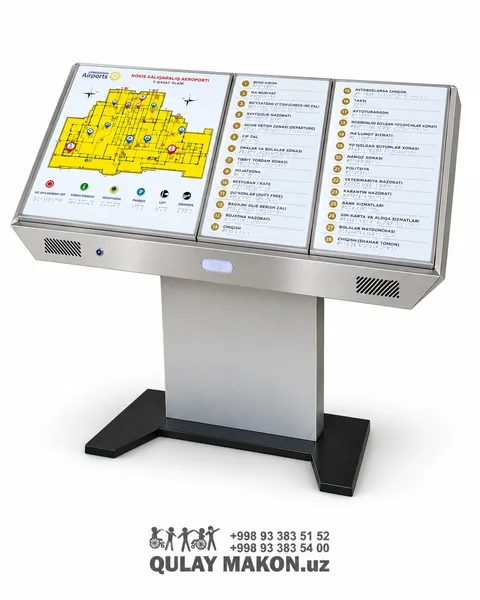
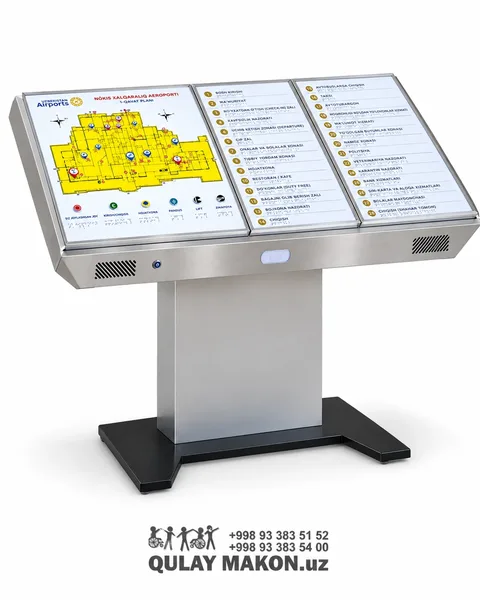
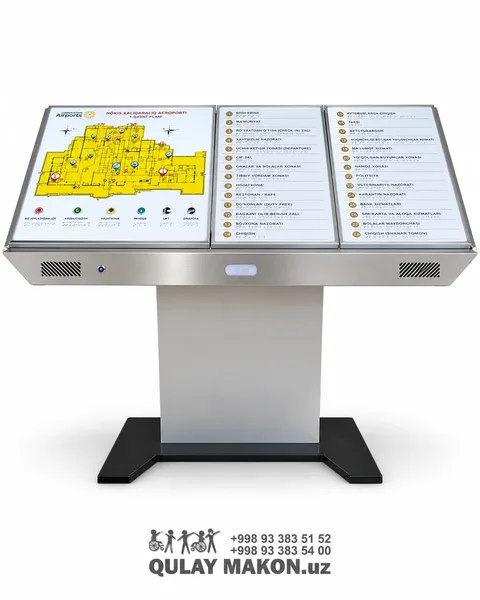
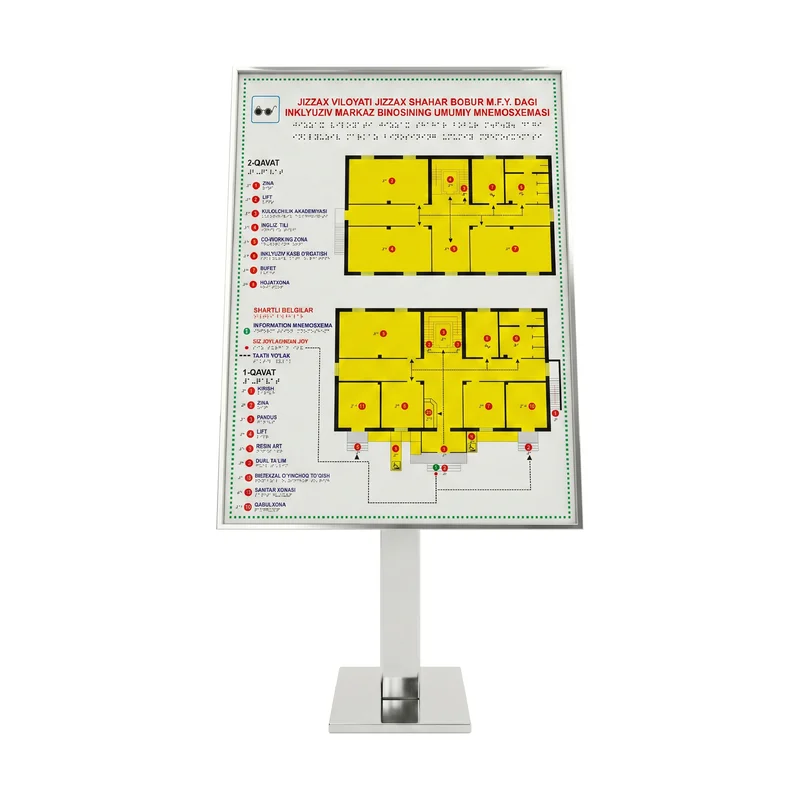
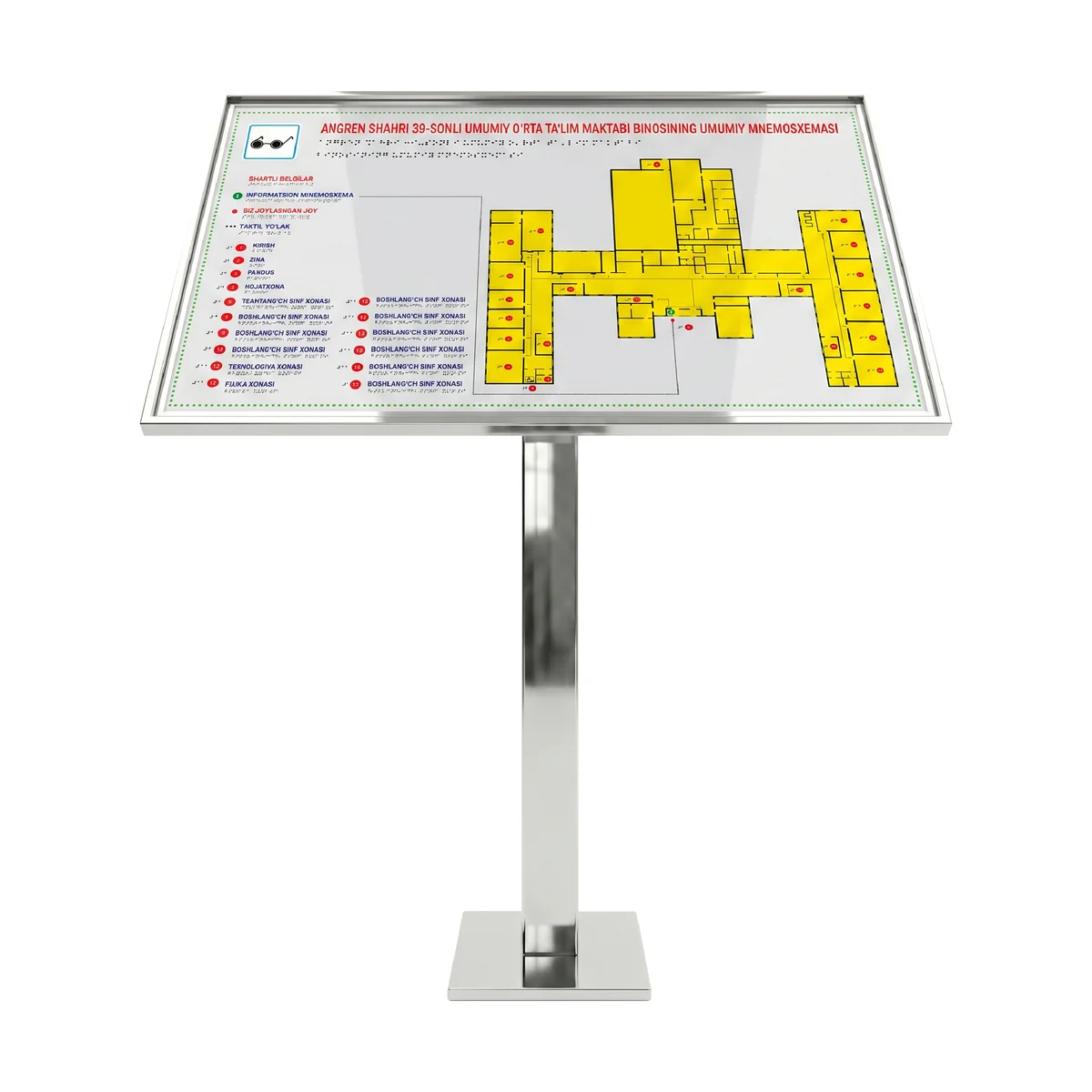
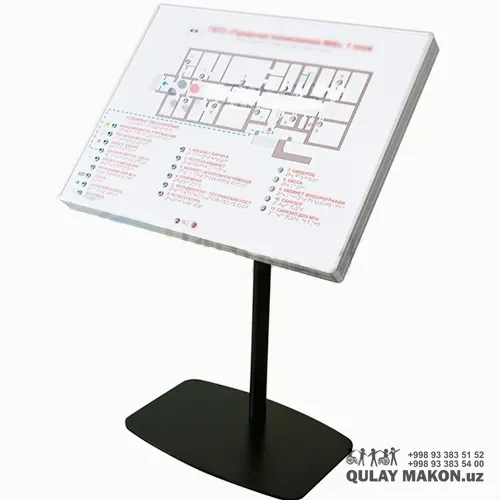
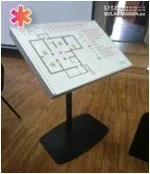
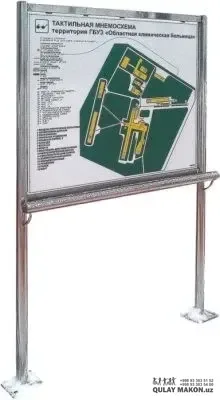
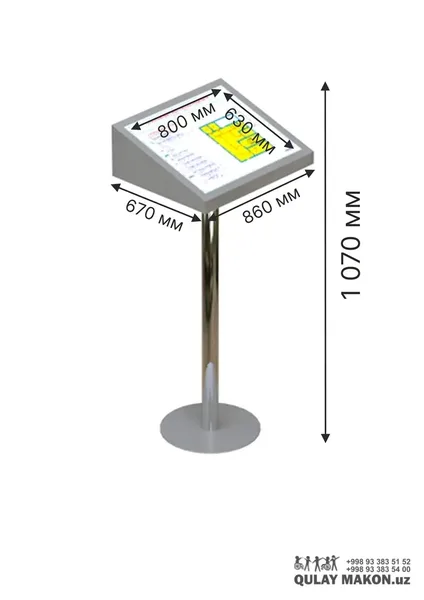
The tactile mnemonic map (on a stand) is an inclusive navigation solution that enables independent orientation inside a building. The map shows the building's floors and rooms in bright yellow, with numbered markers and clear conventional symbols. Most importantly, all information is duplicated in Braille and relief (raised) lines, so people with visual impairments can "read" the building by touch and determine the direction independently. The bright yellow-black contrast is convenient for the partially sighted. The map is enclosed in a strong stainless steel frame and mounted on a stand with a weighted base — it stands without ground installation and is placed where needed (entrance, reception, corridor). It can be made in portrait or landscape orientation. The mnemonic map is produced fully to order: we place your building's plan, room list, language and organisation name on the map (the samples show mnemonic maps of an "Inclusive centre" and a "general education school"). The symbols "You are here", "tactile path", "entrance", "ramp", "lift" are included by default. Such a mnemonic map is often a mandatory requirement for government, educational and medical institutions. The tactile mnemonic map makes your building open and understandable to everyone and demonstrates your organisation's inclusive approach.
For people with visual impairments and limited mobility. For government institutions, schools and universities, hospitals and clinics, inclusive centres — organisations bringing a building up to standards.
1. Place the stand in a visible spot at the entrance or reception
2. Check that the "You are here" marker matches the installation point
3. Set the stand's base stably on a flat surface
4. Link it to the tactile path (guiding tactile tiles)
Entrance, Reception, Corridor, Government offices, School, Hospital, Inclusive centre
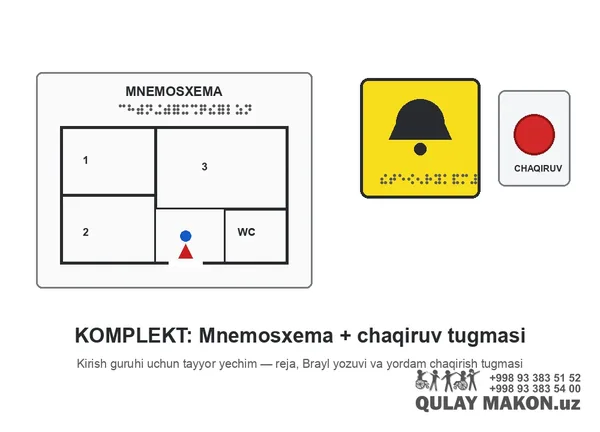
| Feature | Tactile mnemonic map — on a stand (with Braille) | Audio tactile mnemonic map lectern — 3 panels, stainless st… | Set: tactile mnemonic scheme + call button |
|---|---|---|---|
| Price (UZS) | 6 000 000 | Price on request | 7 500 000 |
| Color | Silver (stainless steel) frame + white background | Stainless steel + yellow plan (high contrast) | — |
| Type | Tactile map / mnemoscheme (floor stand) | Audio tactile mnemonic map lectern | Tactile map and call button set |
| Installation | Weighted base stand (no drilling required) | Anchor bolts to the floor | — |
What sizes is the sign produced in?
Standard sizes are available and custom sizes are produced on request. The greater the viewing distance, the larger the sign and its lettering must be — this is the main condition for readability. Before ordering, a Qulay Makon specialist recommends the right size and mounting position free of charge.
Are text and Braille included?
Yes. Signs are produced with raised text and Braille so that people with visual impairments can read the information by touch. Text is available in Uzbek, Russian or English, and several languages can be placed on one plate on request. Contrasting colours are selected according to the requirements.
Where is the sign installed?
Next to room doors, at corridor turns, in front of lifts and along evacuation routes. The usual height is 120-160 cm from the floor — within arm's reach and at eye level. A sign beside a door should not be placed on the side the door opens towards. Installation can be included in the price.
What standards does the product comply with?
It is manufactured in line with the current construction norms and state standards for adapting the environment for people with disabilities. This matters when a site is handed over and inspected, because accessibility work has to be documented. Qulay Makon supplies every product with technical documentation and, where required, data confirming compliance.
How can I place an order and pay?
You can submit a request directly on the site, call us by phone or write on Telegram. An operator will confirm the details, check availability and prepare a calculation. Payment can be made in cash, by bank transfer or online. For companies, a contract, invoice and the full set of documents are prepared.
Are there terms for large orders?
Yes. For fully equipping a school, hospital, shopping centre or other facility, a separate commercial offer is prepared and the price is revised according to volume. In such projects the measurement, delivery and installation are planned in stages. The document package required for tenders and public procurement is also provided.
No reviews yet. Be the first to leave a review!
Other customers viewed with this product
Order in 30 seconds. Our specialist will call back.
Order number:
Our specialist will call back within 5-15 minutes
Or track in Telegram:
If you use a screen reader, you don't need to enable this.
To check how the page looks. Does not aid vision.