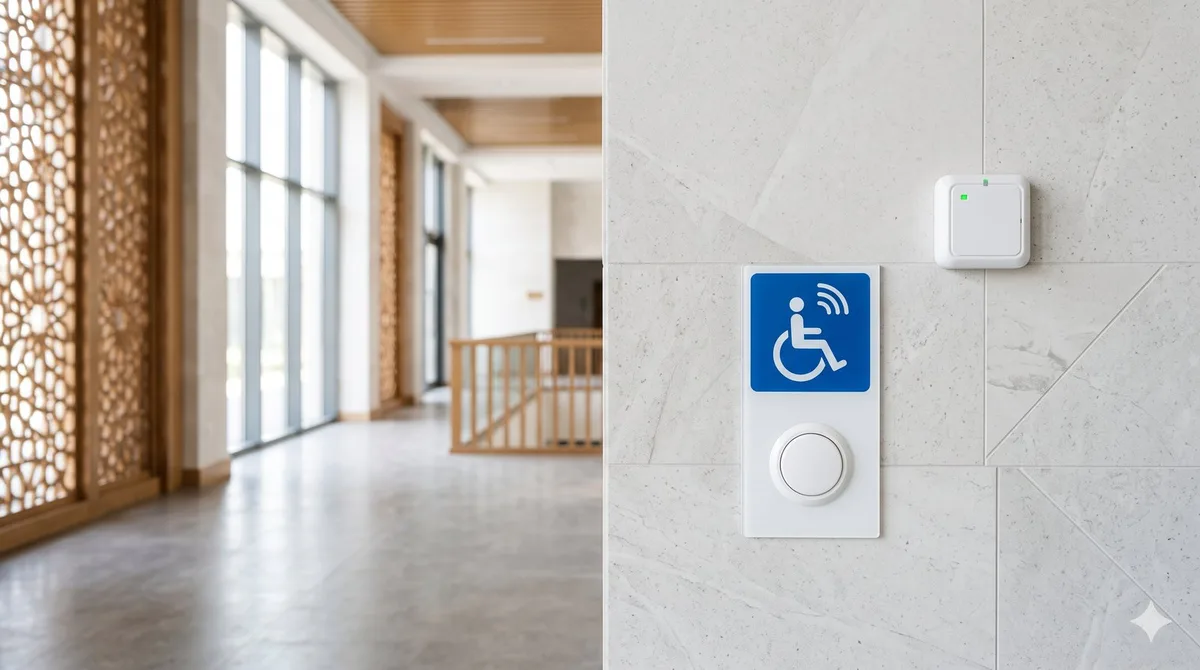
A person with a disability cannot always reach a counter, service window, or restroom on their own. So that they can quickly call for help, public buildings install a call system. It is a simple, affordable solution that makes a venue genuinely accessible for people with reduced mobility. Let's look at what a call button for people with disabilities is, how it works, and which buildings need one.
What a call system is and why it's needed
A call system is a set of devices that lets a visitor with a disability signal staff with a single press. A staff member sees or hears the call and comes over to help: to guide the person, open a door, or provide service outside the general queue.
Its main purpose is to ensure equal access to a service. Calling staff is especially important where there are steps, narrow passages, high counters, or areas without a permanent attendant.
What the kit consists of
A basic call system usually includes several components:
- Wireless call button — mounted at an entrance, on a ramp, in a restroom, or at a counter. It runs on a battery and requires no cable routing.
- Receiver — picks up the signal and shows where the call came from.
- Siren or indicator — an audible and visual alert so that staff notice the call even in a noisy space.
- Information sign with the disability symbol and an explanation of how to use the button.
A wireless call button is convenient because it can be placed exactly where needed without renovation or drilling into walls.
Where a call system is especially needed
Installing a call button for people with disabilities makes sense for most venues with visitor traffic:
- Hospitals and clinics — at the reception desk, the entrance, and in restrooms.
- Banks and service branches — at the entrance area and service windows.
- Government offices and public service centers — wherever there are queues and counters.
- Hotels — at the reception and in accessible rooms.
- Shopping centers and stores — near entrances, checkouts, and escalators.
In many of these buildings, staff call equipment is provided for, designed with the requirements of applicable accessibility norms in mind.
How to choose a kit
When selecting a call system, it's worth keeping several points in mind:
- Signal range. A wireless call button must reliably reach the receiver through walls and floors.
- Number of points. One receiver can serve several buttons — convenient for larger venues.
- Type of alert. Noisy spaces need a siren; quiet ones need a visual indicator.
- Installation conditions. For outdoor areas and restrooms, choose moisture-resistant buttons.
- Power. Check the battery life and whether there is a low-charge indicator.
Common mistakes
- The button is mounted too high — it should be within reach of a person in a wheelchair.
- There is no sign, so a visitor simply doesn't realize it's a call button.
- The receiver is placed in a back room where no one hears the signal.
- People forget to check the battery, and the system quietly stops working.
Frequently asked questions
Do I need to run wires for a call button? No. A wireless call button runs on a battery and connects to the receiver over a radio channel, so installation takes just a few minutes.
How many buttons can be connected to one receiver? Usually several — the exact number depends on the model. This makes it easy to cover an entire service area.
At what height should the button be installed? Within reach of a person in a wheelchair, next to the entrance or counter, with a clearly visible information sign.
We'll help you choose a call system for your venue
We'll help you work out how many buttons and receivers you need and put together a kit for your specific building — designed with the requirements of applicable accessibility norms in mind. Browse call systems in the catalog or request a free consultation.