How does the call system work?
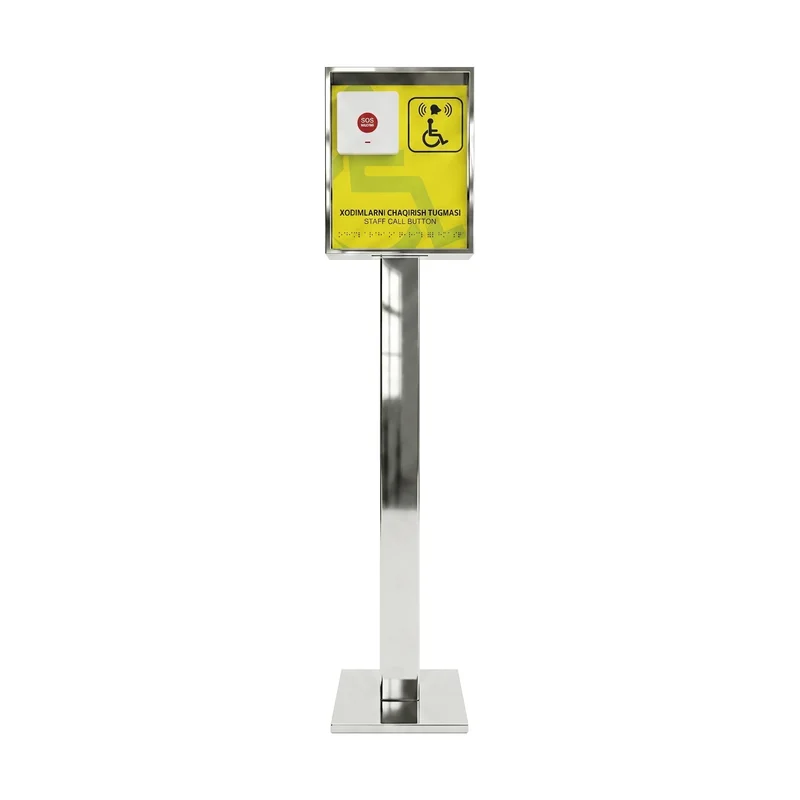
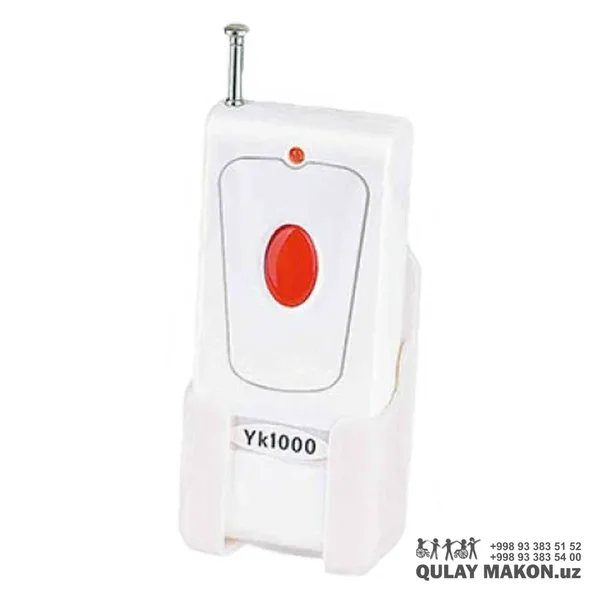
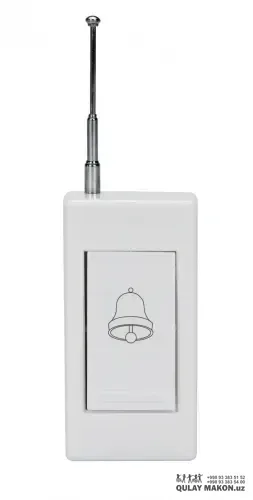
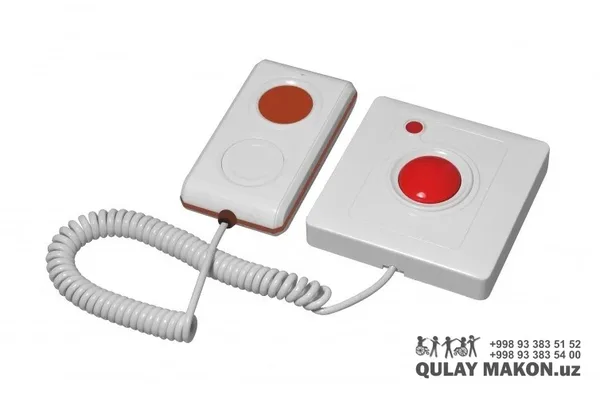
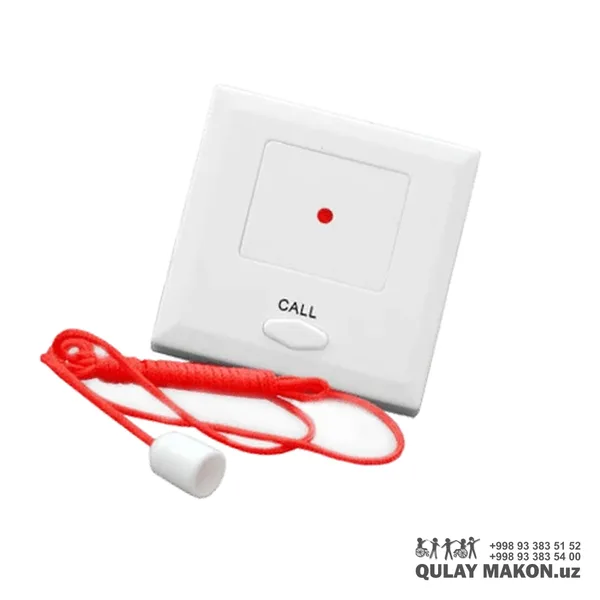
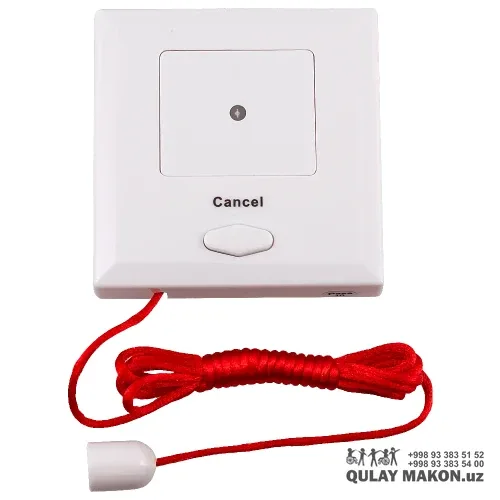
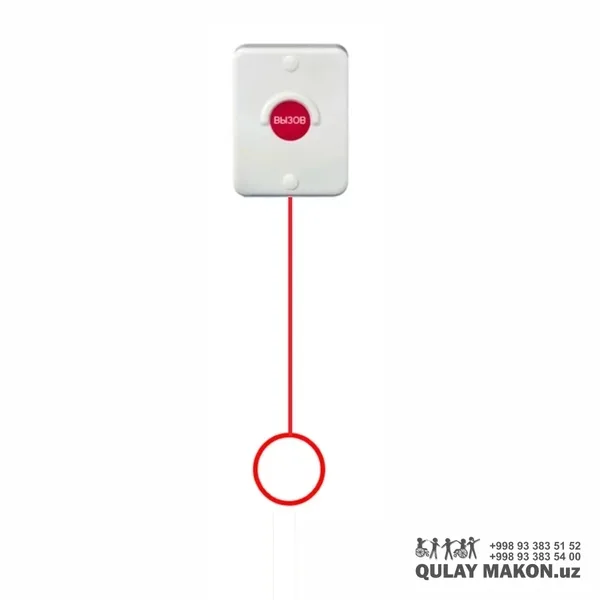
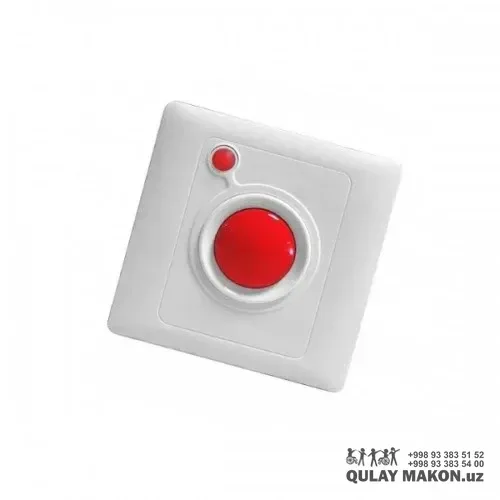
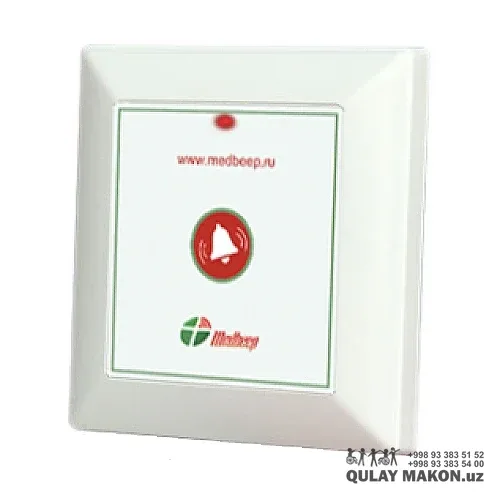
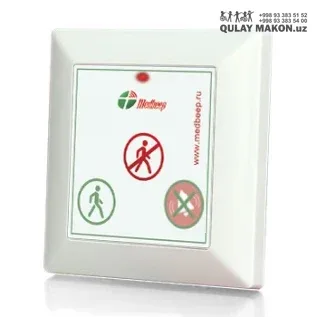
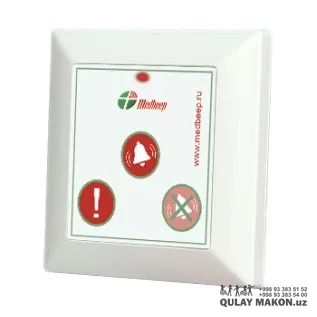
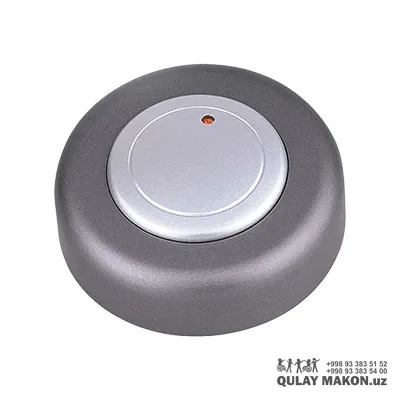
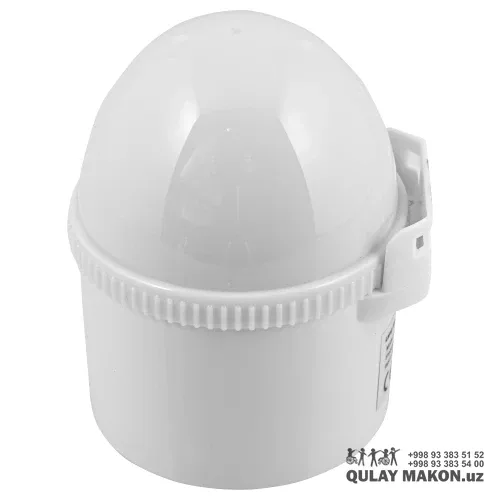
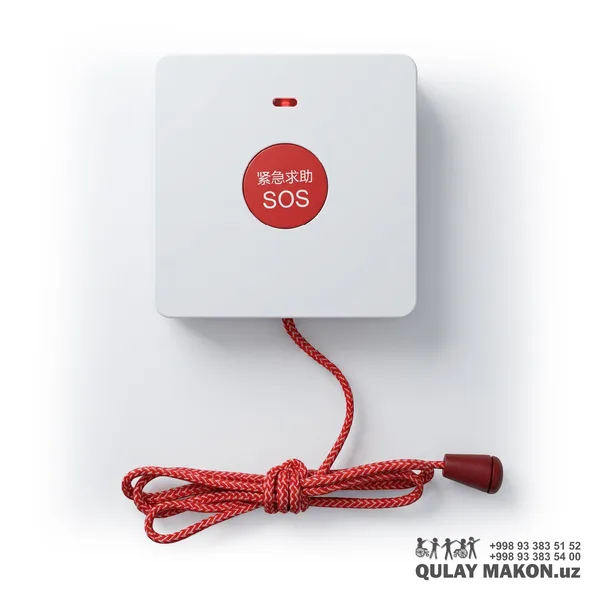
When the button is pressed, a signal is sent to the receiver and staff are alerted by sound and light indication. Wireless models need no wall chasing or cabling, so installation is quick. Several buttons and receivers can be connected to one system, each identified by its own number.
What is the signal range?
Typically 50-100 metres in open space; concrete walls and metal partitions noticeably reduce the distance. For large or multi-storey buildings an additional receiver or repeater is installed. Qulay Makon surveys the site in person, prepares a coverage plan free of charge and lists the equipment needed.
What power supply is needed and how is it installed?
The buttons run on batteries, which usually last several years and are easy to replace. The receiver connects to mains power. Installation is most often completed within a single day. After commissioning, staff receive a short briefing on use and the warranty document is handed over.
What standards does the product comply with?
It is manufactured in line with the current construction norms and state standards for adapting the environment for people with disabilities. This matters when a site is handed over and inspected, because accessibility work has to be documented. Qulay Makon supplies every product with technical documentation and, where required, data confirming compliance.
How can I place an order and pay?
You can submit a request directly on the site, call us by phone or write on Telegram. An operator will confirm the details, check availability and prepare a calculation. Payment can be made in cash, by bank transfer or online. For companies, a contract, invoice and the full set of documents are prepared.
Are there terms for large orders?
Yes. For fully equipping a school, hospital, shopping centre or other facility, a separate commercial offer is prepared and the price is revised according to volume. In such projects the measurement, delivery and installation are planned in stages. The document package required for tenders and public procurement is also provided.